Screen recorderwith automatic zoom
Auto-zooms on every click. Smooth pans that follow your cursor. Makes you look like a pro editor without any editing.
Record once, impress everywhere
Click anywhere. Get instant zooms.
Every click triggers a smooth zoom. Every drag creates a pan. Zero editing required.
Click anywhere. Get instant zooms.
Every click triggers a smooth zoom. Every drag creates a pan. Zero editing required.
Full control in the timeline
Add, remove, or tweak any zoom. Change position, depth, timing. Cursor-follow or fixed — your call.
Full control in the timeline
Add, remove, or tweak any zoom. Change position, depth, timing. Cursor-follow or fixed — your call.
Backgrounds that pop
Presets or custom uploads. Make your demos look studio-quality in seconds.
Backgrounds that pop
Presets or custom uploads. Make your demos look studio-quality in seconds.
Hide the browser navbar
No tabs. No bookmarks. No toolbars. Just your content, clean and focused.
Hide the browser navbar
No tabs. No bookmarks. No toolbars. Just your content, clean and focused.
One recording, every platform
Export vertical for TikTok and Reels. Horizontal for YouTube. Any ratio you need.
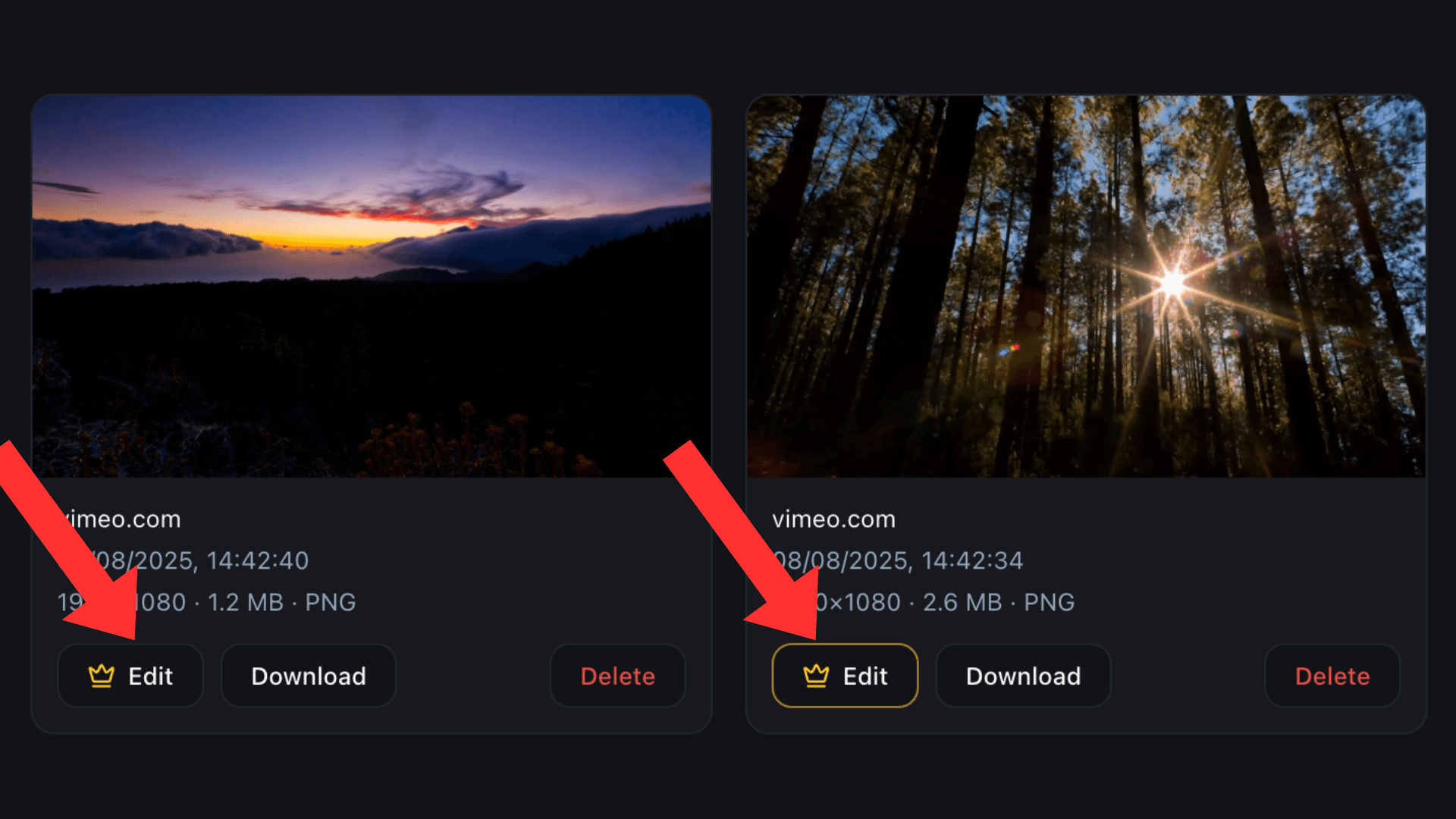
One recording, every platform
Export vertical for TikTok and Reels. Horizontal for YouTube. Any ratio you need.
Your data stays yours
100% local rendering. Nothing leaves your machine. Ever.
100% Local Processing
No uploads. No servers. No waiting. Your videos render instantly on your own hardware.



Works everywhere
Chrome, Edge, Brave. Windows, macOS, Linux. If it runs Chromium, it runs Cursora.
Free. No account needed.
Start recording in seconds. No account needed, no credit card required. Just install and go.
Free
Everything you need to get started
- Unlimited recordings & exports
- Automatic zoom on every click
- Full timeline editor
- Add, remove & adjust zooms
- Preset & custom backgrounds
- 100% local, works offline
- Chrome & Chromium browsers
Pro
Get full access to Cursora
- Everything in Free, plus:
- Hide tabs, bookmarks & toolbars
- 1440p, 4K export resolutions
- Webcam & microphone recording
- Export in multiple aspect ratios
- Shareable video links
- Lifetime access to all updates
- Priority support
One-time payment. Lifetime access. No subscriptions.
Frequently asked questions
Quick answers to common questions